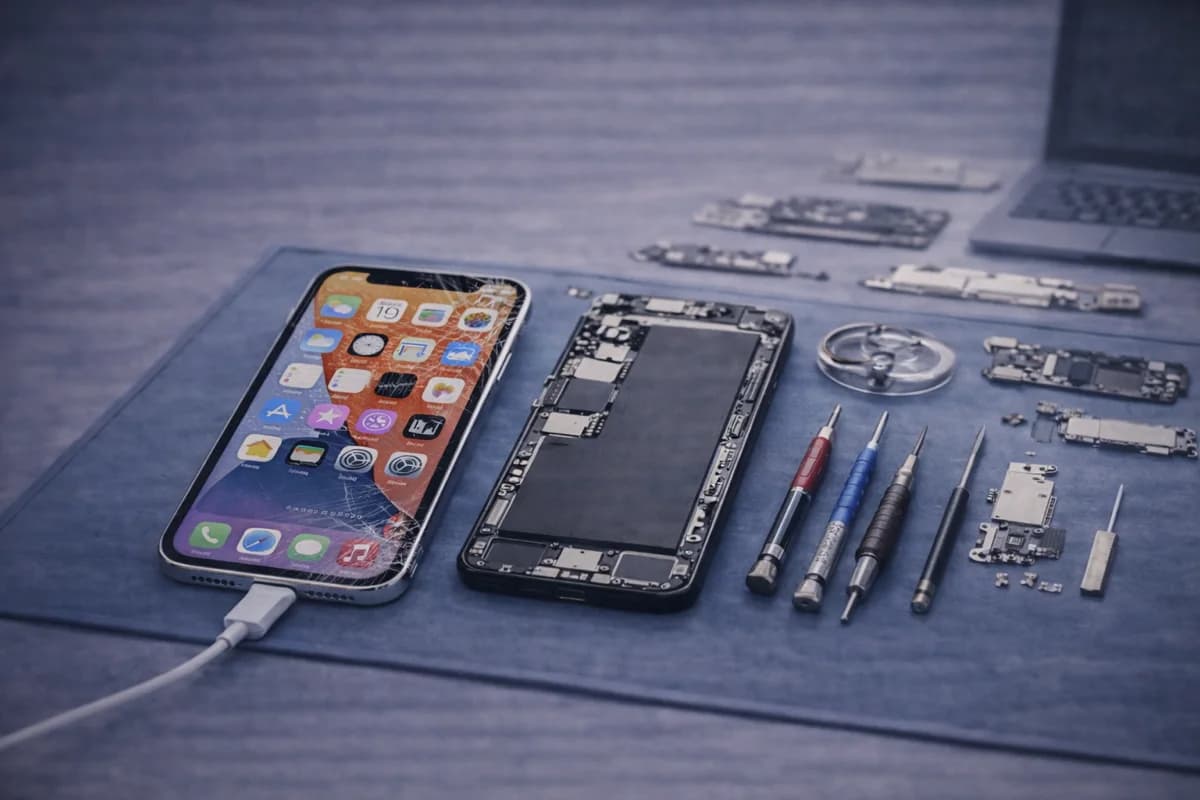
Cracked iPhone screens happen to everyone. And while the fix is usually a screen replacement, the experience you get depends a lot on what you check before you hand your phone over. Screen quality, warranty, data safety, and post-repair testing all matter.
Below is a practical checklist you can follow before you visit a repair shop—so you leave with a screen that looks right, feels right, and lasts.
Quick answer: do you need to replace the whole screen?
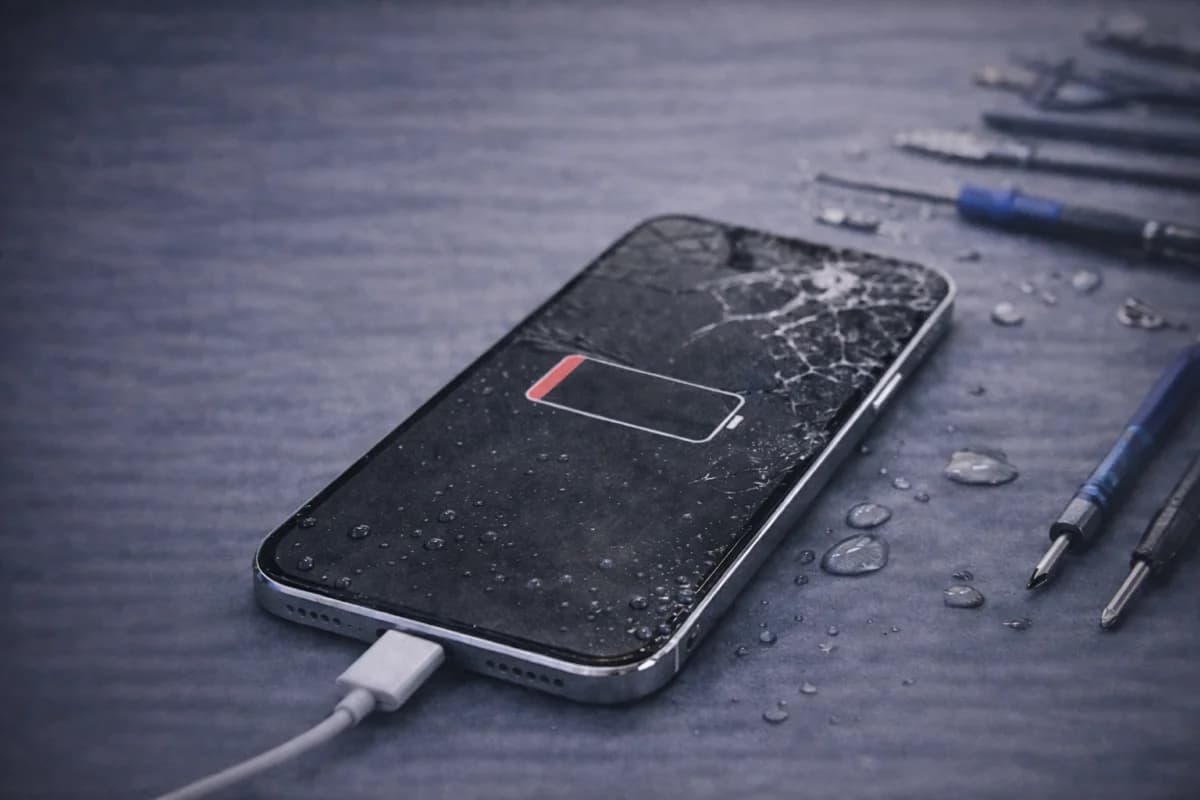
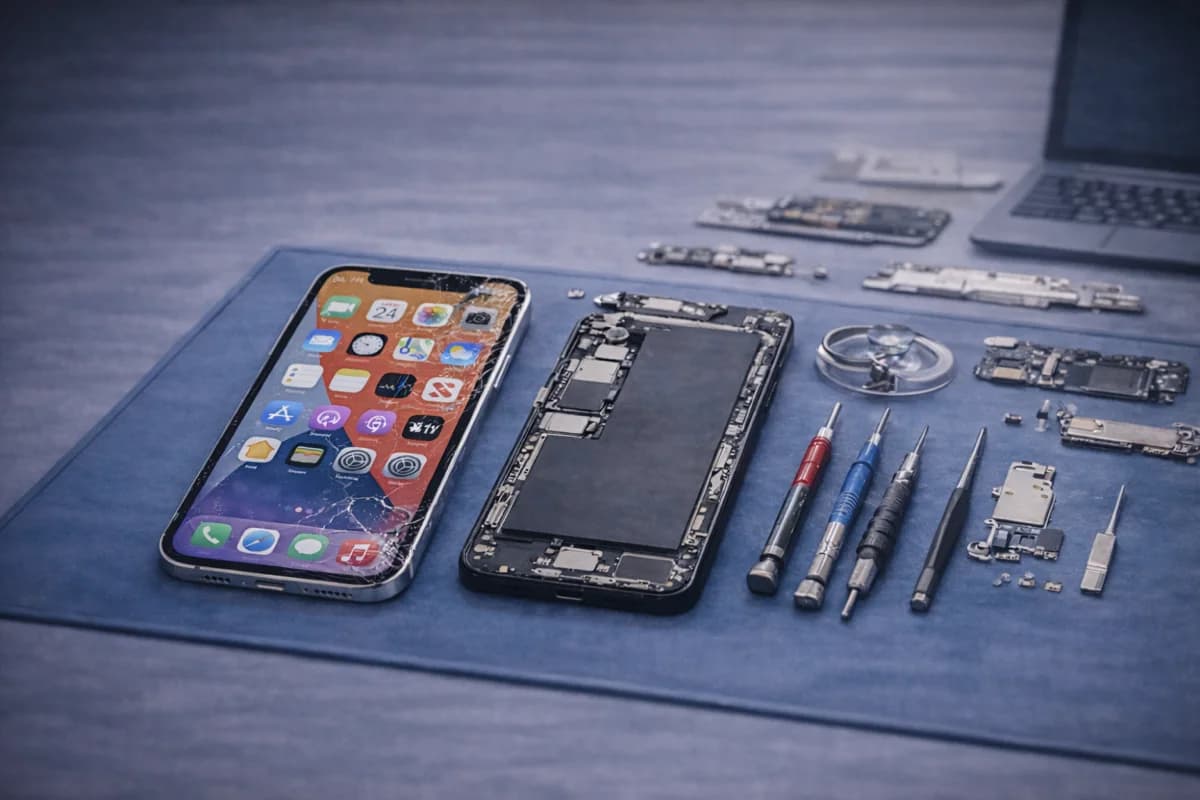
In most cases, yes. Even if the crack looks “small,” iPhone screen repairs typically replace the display assembly to restore touch, display clarity, and structural strength. Waiting too long can also let dust and moisture in—making the repair harder later.
1) Back up your iPhone (seriously)
Screen repairs don’t usually erase data—but backups protect you in case your phone worsens, stops displaying, or needs troubleshooting. If you haven’t already, do this first:
Backup Your Phone Before Repair (Checklist)
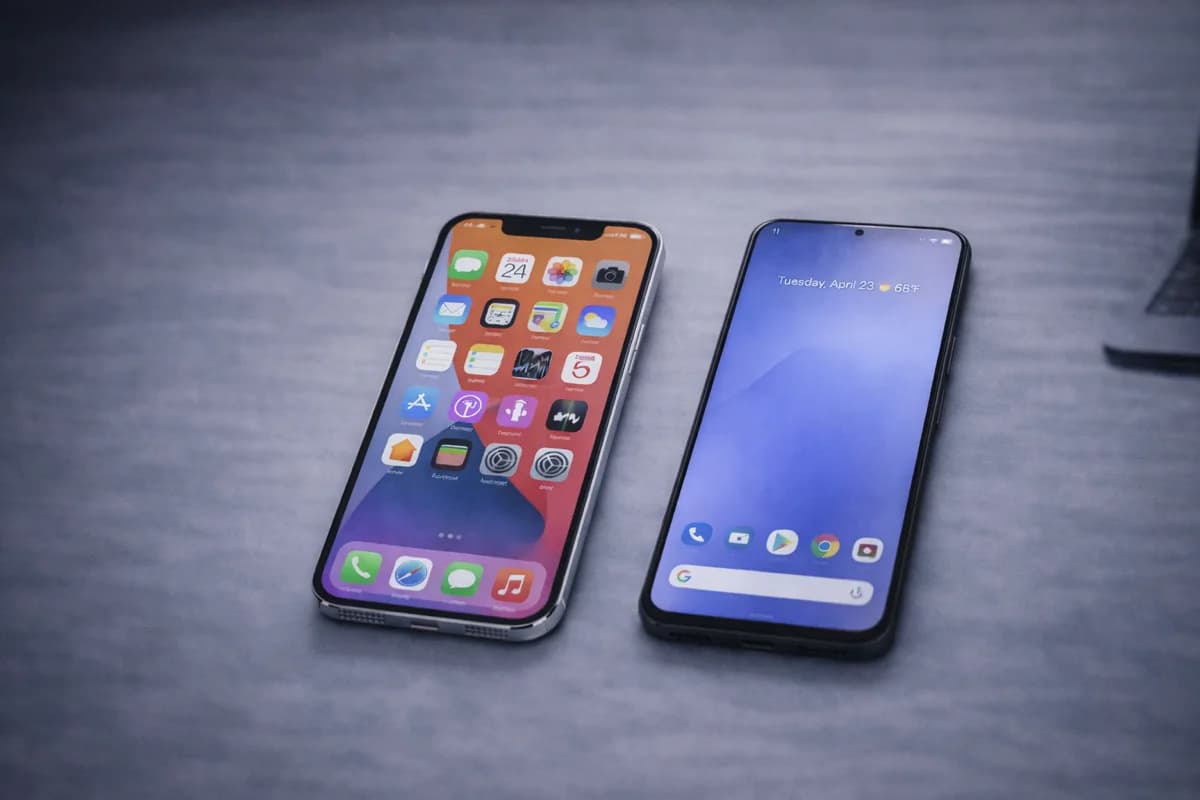
2) Confirm your exact iPhone model
The same “iPhone 14” name can still have different variants. Correct model helps the shop quote accurately and choose the right screen. You can check in: Settings → General → About.
3) Decide where you want it repaired
Your best move is a shop that’s transparent about screen options, warranty, and turnaround time. When choosing a repair provider, look for:
- Clear pricing (no surprise “extra fees” later)
- Real warranty terms (written, not vague)
- Reviews that mention screen quality and touch responsiveness
- Willingness to answer questions about parts and testing
4) Ask what screen quality options they offer
Not all replacement screens are the same. A good shop should explain your options clearly (and what you’re paying for). Common options you may hear:
- OEM / OEM-grade: best match in color, brightness, and feel (usually the best experience).
- Premium aftermarket: often solid, but quality varies by supplier.
- Budget screens: cheapest option, but may have lower brightness, weaker glass, or less accurate touch.
5) True Tone, Face ID, and important features
Ask the shop what features should remain working after repair, especially if you care about screen appearance:
- True Tone: screen color temperature adjusts to lighting (some repairs keep it, some don’t).
- Face ID: should still work on most screen repairs (but damaged sensors can affect it).
- Brightness & color accuracy: should look normal—not dim, yellow, or washed out.
6) Ask about warranty (and what’s excluded)
Screen repairs aren’t cheap—warranty matters. Ask:
- How long is the warranty (30/60/90 days, etc.)?
- What’s covered (touch issues, display defects, dead pixels)?
- What’s excluded (physical damage, drops, water exposure)?
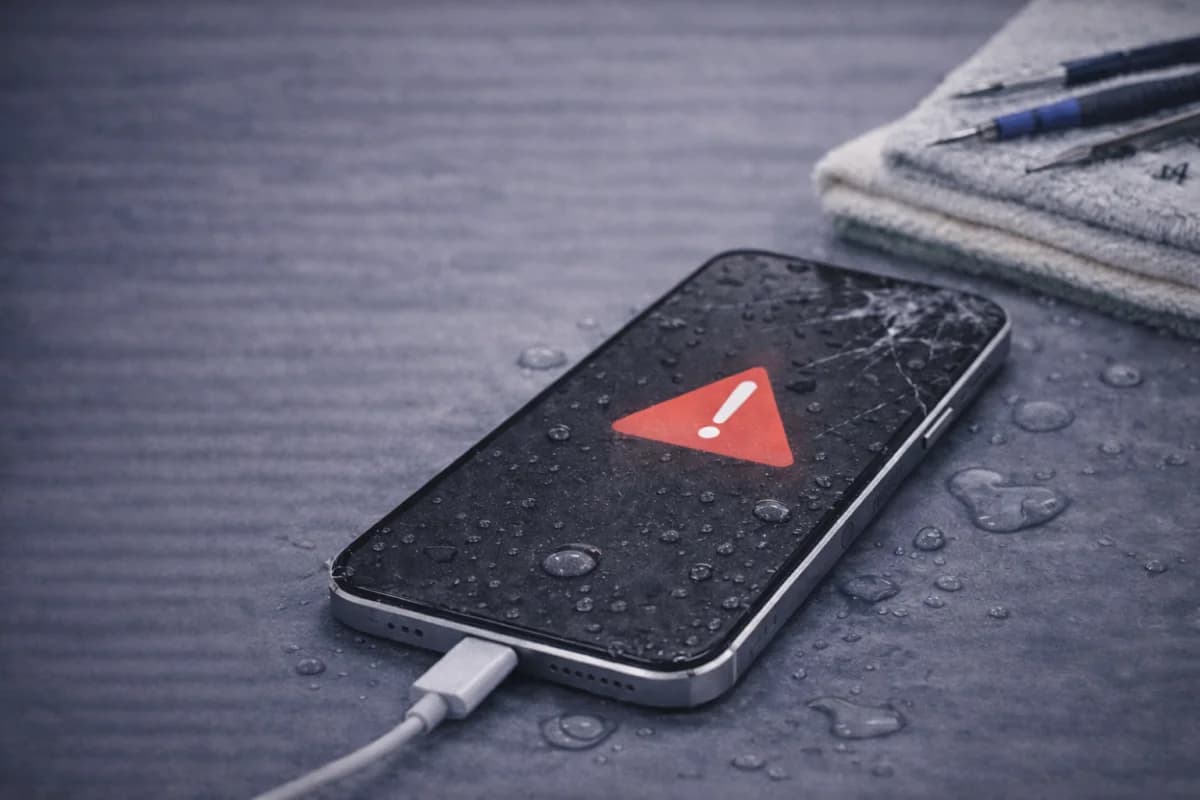
Quick note: water damage is almost never covered by screen warranties, because moisture can damage parts after the repair.
7) Understand what can happen to water resistance
iPhones have seals and adhesives that help resist water—but opening a phone can affect that. A good shop will reseal properly, but no repair can promise “factory-level” water resistance afterward. If water resistance matters to you, ask what sealing process they use.
8) Remove accessories before drop-off
- Remove your case
- Remove screen protector (if it’s shattered or peeling)
- Take out SIM tray only if asked
- Bring your phone charged if possible
9) What to test immediately after the repair
Before you leave the shop, test these quickly:
- Touch responsiveness (type fast, swipe, pinch-zoom)
- Brightness up/down
- Front camera + Face ID
- Speaker and mic (quick call test)
- Proximity sensor (screen should turn off near your face during a call)
10) If your display still works, take photos of the phone
It’s smart to take a quick photo of the phone condition (front/back) before drop-off. It helps avoid confusion if the device already has frame damage or back glass cracks.
Need iPhone screen repair in Houston?
If you want a fast quote and a clean repair experience, use the pricing tool or visit the iPhone repair page below.
iPhone RepairGet a Screen PriceCall (346) 808-0948
FAQ
Do I need to give the repair shop my passcode?
Usually, no. For most screen repairs, a passcode isn’t needed. Some diagnostics may require unlocking the device to test touch, cameras, or sensors—if so, ask what they need and why.
How long does an iPhone screen repair take?
Many screen repairs can be done same-day depending on model and parts availability. The shop should give you an ETA before starting.
Is it worth repairing a cracked screen or should I replace the phone?
If the phone still works well and the repair cost makes sense, repairing is usually the better value—especially for newer models. If multiple major issues exist (battery + charging + screen), compare repair total to replacement cost.
Will my iPhone screen look the same after repair?
With high-quality parts, it should look very close to original. Lower-grade screens may have different brightness, color tone, or touch feel. That’s why part quality matters.