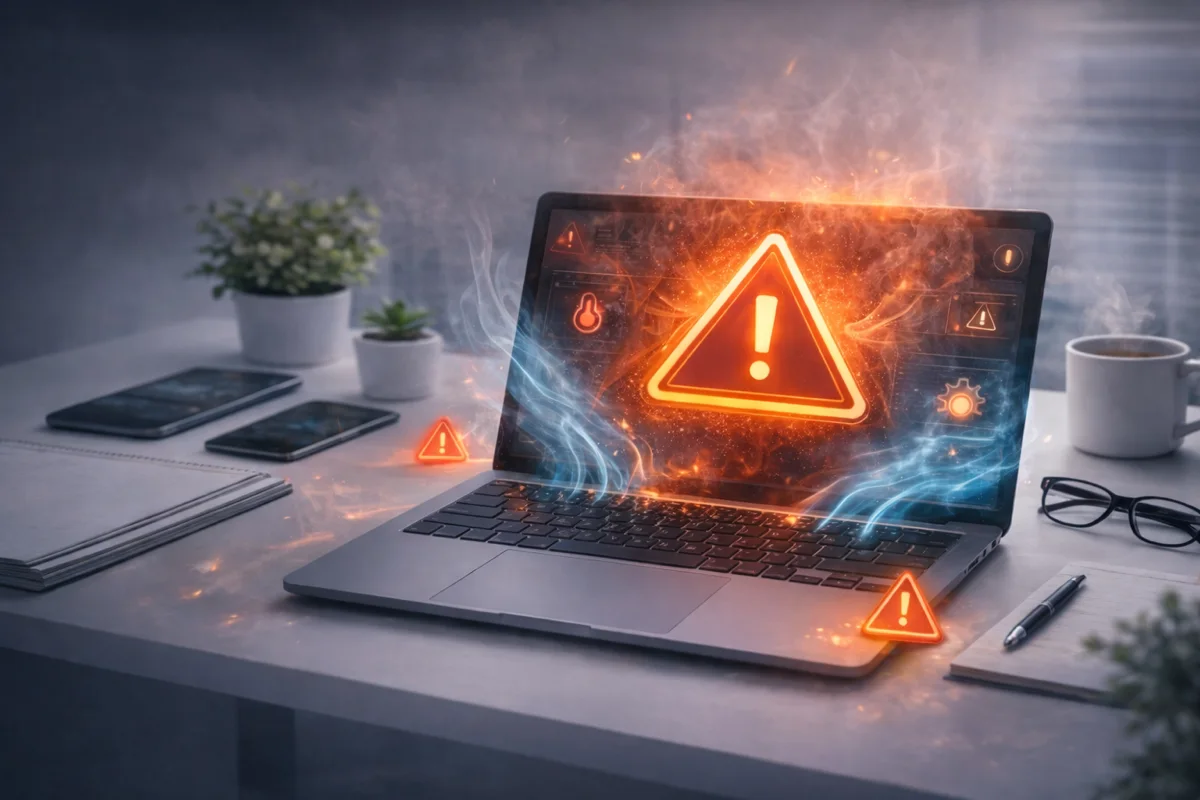
If your laptop feels hot, the fan sounds like a jet engine, or it randomly slows down and shuts off, you’re dealing with overheating. The good news: most overheating issues have a fix— and many don’t require replacing the laptop.
Below is a clear checklist to cool your laptop down fast, find the real cause, and prevent it from happening again.
Quick fixes first (do these right now)
- Move to a hard surface: beds/couches block airflow. Use a desk or table.
- Unplug and close heavy apps: video editors, games, Chrome tab overload.
- Restart: ends background processes that can spike CPU.
- Raise the back slightly: even 1–2 inches improves airflow.
Common signs your laptop is overheating
- Fan runs loud even on simple tasks
- Keyboard/palm rest feels hot
- Performance suddenly drops (thermal throttling)
- Random shutdowns, freezing, or crashes
- Battery drains faster than normal (heat makes it worse)
Why laptops overheat
Most overheating comes down to one of these:
- Dust buildup: blocks vents and clogs the heatsink.
- Bad airflow: vents covered by fabric or tight spaces.
- High CPU/GPU usage: background apps, malware, heavy workloads.
- Fan or cooling failure: weak fan, bearing noise, fan not spinning correctly.
- Dried thermal paste: common on older laptops—heat transfer becomes inefficient.
Step-by-step: how to fix laptop overheating
1) Check your CPU usage (takes 30 seconds)
On Windows: open Task Manager and sort by CPU. On Mac: open Activity Monitor. If something is constantly spiking CPU (browser tabs, update processes, unknown apps), that can cause heat.
2) Clean the vents (safe and effective)
Use compressed air on the intake/exhaust vents. Short bursts, angled airflow. If your fan is extremely clogged, cleaning from the outside may not be enough—but it’s the best first step.
3) Improve airflow (simple but huge)
- Don’t use the laptop on blankets, beds, or couches.
- Use a laptop stand or the corner of a book under the rear edge.
- Give the side/back vents breathing room.
4) Update drivers + OS (fixes heat bugs)
BIOS updates, graphics drivers, and chipset updates can fix thermal/fan behavior. Outdated firmware can cause fans to ramp incorrectly or throttling to behave weird.
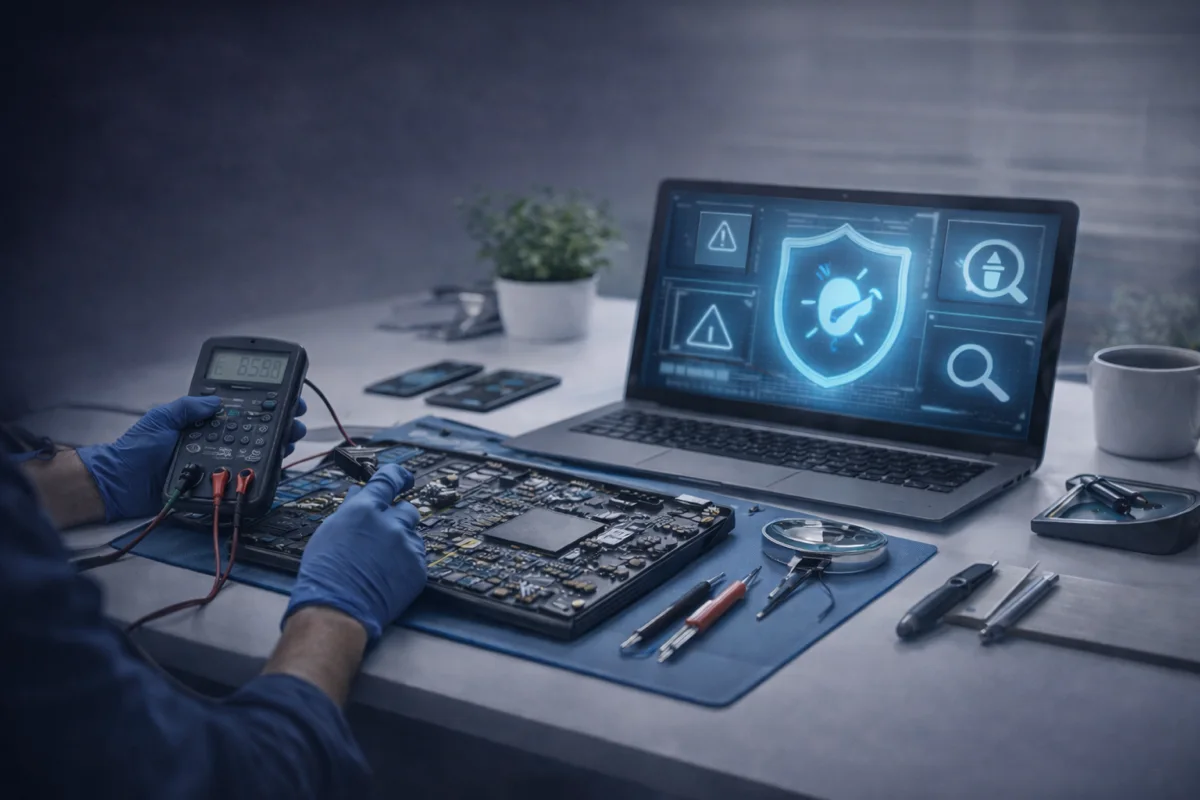
5) Scan for malware (yes, overheating can be a symptom)
If your laptop is running hot while “doing nothing,” malware or adware is a common cause. If you want a security overview, read our guide: Best Antivirus Software in 2026.
6) If it’s still overheating: you may need a thermal service
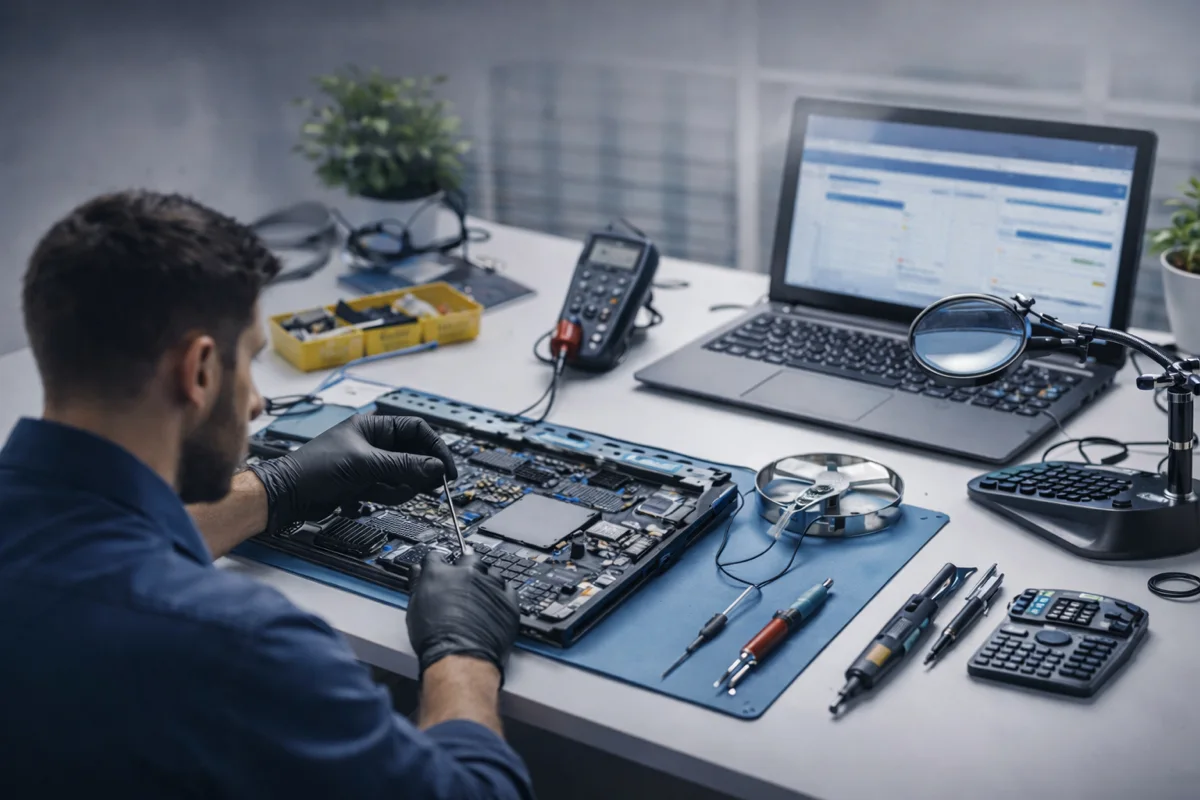
On older laptops, dust gets packed deep in the heatsink and the thermal paste dries out. A proper thermal service usually includes:
- Internal cleaning (fan + heatsink)
- Thermal paste replacement
- Fan inspection (or replacement if failing)
- Full temperature + performance testing
What NOT to do
- Don’t block vents with cases/skins that cover airflow areas.
- Don’t keep using it if it’s shutting off—that can accelerate damage.
- Don’t use random “fan booster” apps from shady sources.
When overheating is a “repair shop” problem
Get it checked if you notice any of these:
- Fan grinding/clicking noises
- Shuts down under light use
- Very hot air blasting constantly
- Battery swelling or lifting the trackpad/palm rest
- Heat + sudden slowdown no matter what you close
Need a laptop diagnostic in Houston?
If your laptop is overheating, slowing down, or shutting off, MacNDroid can run a proper diagnostic and tell you whether it needs a thermal service, fan replacement, cleanup, upgrades, or something else.
PC & Laptop RepairGet a PriceCall (346) 808-0948
FAQ
Is it normal for a laptop to get hot?
Some warmth is normal, especially during gaming or heavy work. It becomes a problem when performance drops, fans run nonstop, or the laptop shuts down.
Does a cooling pad help?
It can—especially if your laptop’s intake vents are on the bottom. It won’t fix dust clogs or dried thermal paste, but it can reduce temps.
Can overheating permanently damage my laptop?
Yes. Repeated overheating can shorten component life and degrade the battery faster. Shutdowns are the system protecting itself.
Why is my laptop overheating when I’m not doing anything?
Usually background CPU usage: updates, browser tabs/extensions, startup apps, or malware/adware.
What’s the best upgrade to reduce heat?
An SSD upgrade can reduce workload and improve responsiveness (less waiting = less sustained load), but most heat issues are cooling-related. If you suspect multiple issues, a diagnostic is the fastest path.
Want more troubleshooting? You may also like: Top 10 Common Computer Issues and How to Fix Them.